
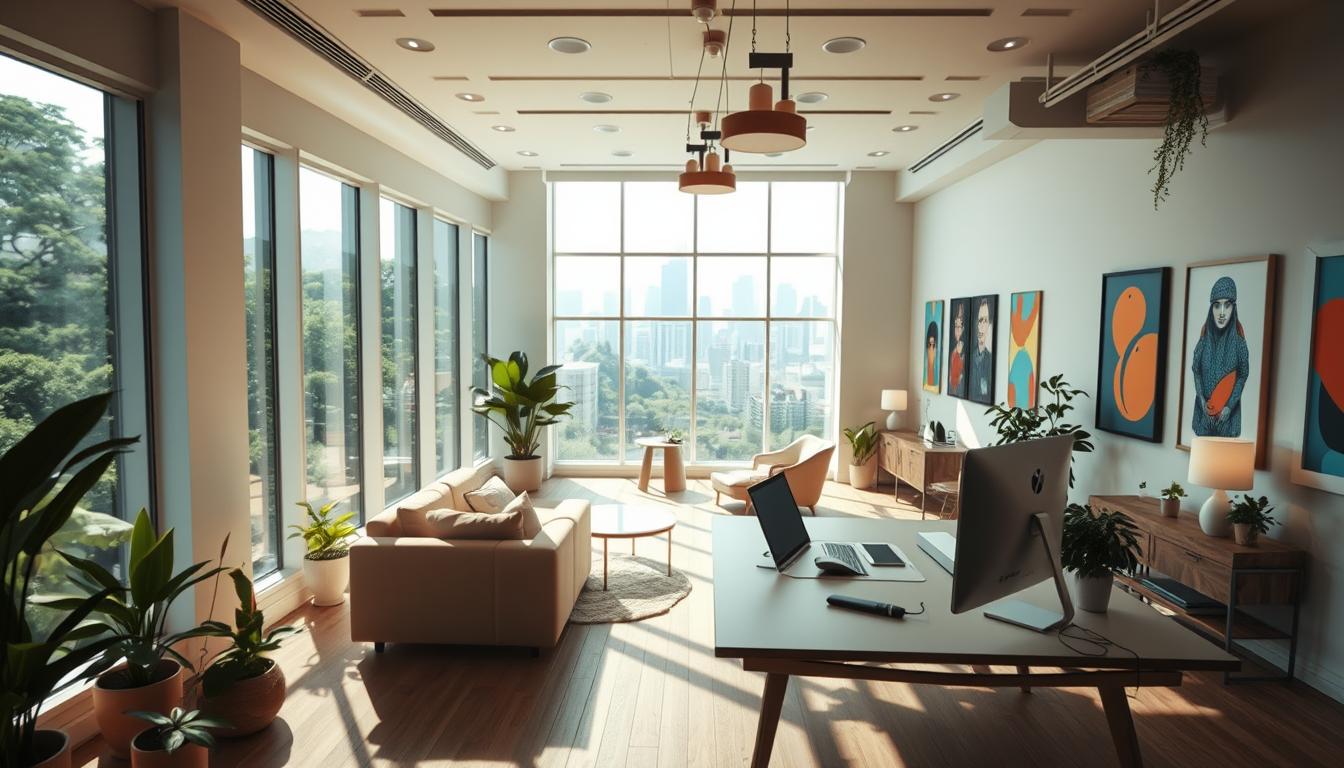
Set the stage. An intentional blend of place and technology turns your office into a practical engine for creativity and innovation. Thoughtful choices help people move ideas forward and improve daily collaboration.
Microsoft and Steelcase introduced Creative Spaces as an immersive ecosystem that links place, tech, and material choices. It features five purpose-built destinations: Focus Studio, Duo Studio, Ideation Hub, Maker Commons, and Respite Room. Each supports a stage of the creative process, from incubation to rapid iteration.
The modern office is more than decor. It is a system of spaces and tools that support heads-down work, paired sessions, and high-energy group sessions. Small updates—better seating, layered lighting, and content-sharing tools—can compound into big gains in productivity and idea flow.
This guide gives busy teams clear, actionable ideas and planning prompts. Expect practical examples that fit any office size, and principles rooted in authentic materials, proximity to people and content, integrated technology, and information persistence.
Key Takeaways
- Blend place and tech to support multiple modes of work.
- Use purpose-built destinations to match stages of creativity.
- Small, strategic updates can boost productivity across the office.
- Focus on materials, proximity, and persistent information to aid innovation.
- Find practical steps that work for teams without a full renovation.
Why Creative Workspaces Matter Right Now
Today’s offices need systems of spaces that support both focused work and fast team moments. A single, coherent ecosystem helps people move from deep concentration to group collaboration without friction.
Innovation, collaboration, and focus can live together when rooms, tools, and rituals are aligned. Enclosed focus areas protect attention while open hubs speed iteration. This mix fuels steady streams of new ideas and better outcomes.
Present-day drivers—hybrid schedules, distributed meetings, and quick iteration cycles—demand flexibility. Reliable content sharing and inclusive tech, like multi-touch displays and wireless projection, let on-site and remote contributors participate equally.
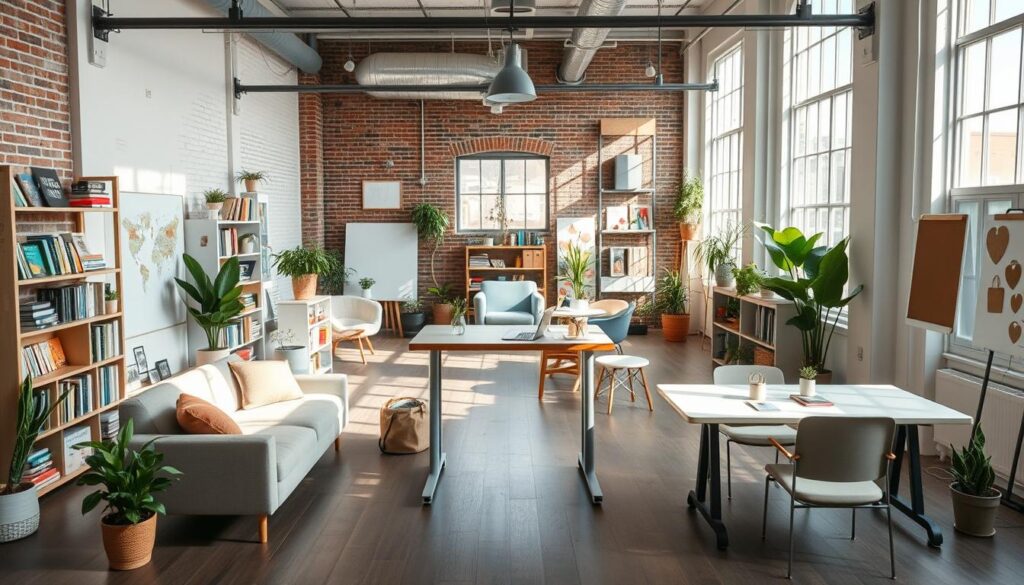
Practical benefits at a glance
- Lower cognitive load: acoustic and visual boundaries reduce distractions and make transitions smoother.
- Higher productivity: purposeful spaces speed decisions and improve meeting outcomes.
- Better well-being: attention to posture, light, and quiet helps people feel and perform better.
| Feature | Benefit | Example | Business Outcome |
|---|---|---|---|
| Enclosed focus rooms | Acoustic privacy | Single-person booths | Faster deep work, fewer interruptions |
| Collaboration hubs | Shared tools & displays | Multi-touch Surface Hub | Inclusive meetings, clearer decisions |
| Adjacent respite | Energy recovery | Quiet lounge | Higher sustained productivity |
Leaders should plan beyond one room. When adjacent spaces, tools, and simple rituals connect, teams get a complete lifecycle for ideas—from spark to delivery.
Design Principles that Fuel Workplace Creativity
Strong principles steer how materials, proximity, and tech come together in productive places.
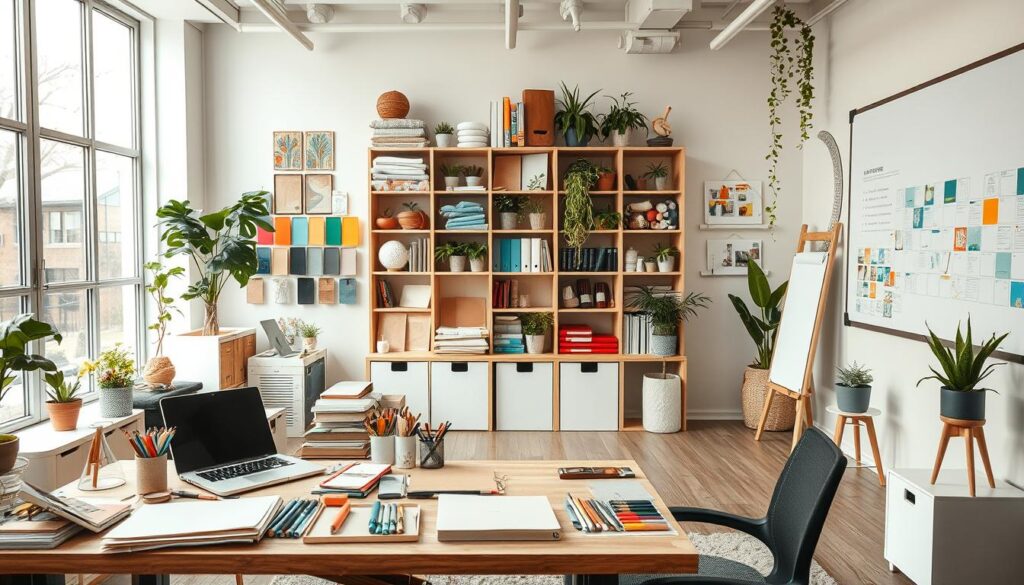
Create emotional connections with authentic materials
Natural materials and honest finishes make an office feel welcoming right away.
Wood, textiles, and exposed metal add tactile cues that invite people to stay and work.
These design elements build trust and encourage attachment to the place.
Design for comfortable proximity to people and content
Set distances so teammates can glance, point, and give quick feedback without crowding.
Arrange analog and digital surfaces so content sits where the conversation happens.
This reduces friction for fast collaboration and keeps group focus tight.
Integrate technology for rapid exploration and co-creation
Simple, reliable tech helps teams move from idea to test in minutes.
Include shared displays, wireless casting, and digital canvases that persist between sessions.
These features make co-creation smooth and immediate.
| Principle | Practical feature | Outcome |
|---|---|---|
| Authentic materials | Wood tables, textile panels | Stronger emotional bond with the office |
| Comfortable proximity | Paired seating, nearby screens | Faster feedback and smoother collaboration |
| Technology integration | Shared displays, wireless links | Rapid exploration, persistent content |
| Posture & privacy | Adjustable seating, short focus booths | Better focus and restorative breaks |
Creative Spaces: Blending Place, Technology, and Culture
A well‑planned set of zones makes it easy for teams to choose the right spot for every task.
This approach groups the Focus Studio, Duo Studio, Ideation Hub, Maker Commons, and Respite Room into a coherent system. The goal is simple: give people predictable options so work flows without friction.
Compose a range of spaces for individual and team needs
Compose small, medium, and large rooms so quiet focus, pair work, and group sessions each have a home. Acoustic and visual boundaries help teams concentrate and join in when needed.
People pick the right setting fast—refine alone in a Focus Studio, pair up in a Duo Studio, or run a fast review in an Ideation Hub.
Let content move with people across devices and areas
Content fluidity is vital. Use Miracast, Surface Hub, and wireless casting so sketches, screens, and prototypes travel with the team.
This keeps sessions continuous when teams shift from sketch to screen to prototype. Consistent tech standards across rooms cut setup time and meeting delays.
Scale zones appropriately for focus, collaboration, and respite
Recommend small focus booths, medium pairing rooms, and large hubs for reviews. Add a Respite Room nearby to let people recharge and return with new ideas.
Support culture with simple rituals, shared artifacts, and light governance so rooms stay tidy and tools are replenished. Display captured ideas to build momentum across the office.
| Zone | Primary Use | Key Tech | Benefit |
|---|---|---|---|
| Focus Studio | Deep individual work | Noise masking, adjustable tables | Higher concentration and output |
| Duo Studio | Two‑person co‑creation | Shared display, wireless casting | Fast problem solving |
| Ideation Hub | Group reviews and workshops | Surface Hub, multi‑mic audio | Inclusive collaboration and clear decisions |
| Maker Commons / Respite | Prototyping & recharge | Tools bench, informal seating | Rapid iteration and restored energy |
Focus Studio: Deep Work with Quick Shift Collaboration
The Focus Studio balances solitary concentration with effortless, brief co‑creation when ideas need a second set of eyes.
Set up the room with a height-adjustable table and supportive seating so people can sit, stand, or move between postures during long tasks. A standing desk option refreshes energy and reduces fatigue.
Keep acoustic and visual privacy high to protect attention. Enclosed walls or high panels reduce ambient noise and visual distraction while keeping the space near other office zones.
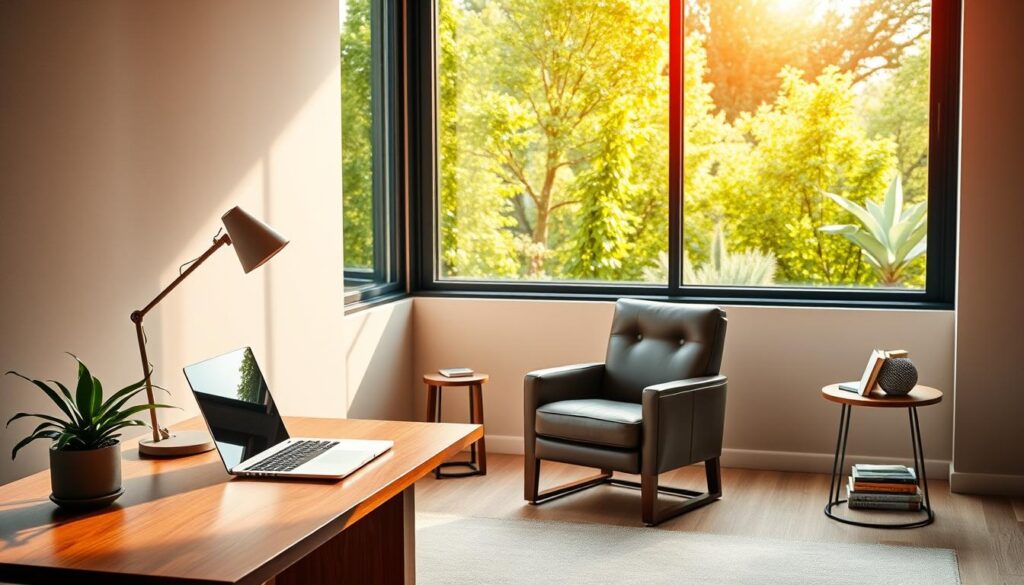
- Go-to focus spot: Position the Focus Studio as the primary place for deep work that can pivot to two-person problem solving.
- Posture variety: Recommend height-adjustable standing desks and ergonomic seating so users switch between sitting and standing easily.
- Privacy with proximity: Emphasize acoustic and visual privacy while preserving nearby access to a collaborator and shared content.
- Task lighting & storage: Use integrated lighting at storage and task zones to keep the work area tidy and well lit without clutter.
- Device-friendly touchpoints: Support wireless projection (Miracast), pen and dial input for Surface devices so technology complements the work.
- Material restraint: Choose a restrained palette of furniture and materials to lower visual noise while adding warmth.
- Placement tip: Sit this space near, but set back from, high-traffic corridors to protect focus without isolating users.
Duo Studio: Shoulder-to-Shoulder Co‑Creation
A Duo Studio puts two people side-by-side so they can test ideas, iterate drafts, and make quick decisions together.
Set up the room with a height-adjustable table and support for Surface Dial and Surface Pen so pairs can sketch, touch, and refine rapidly.
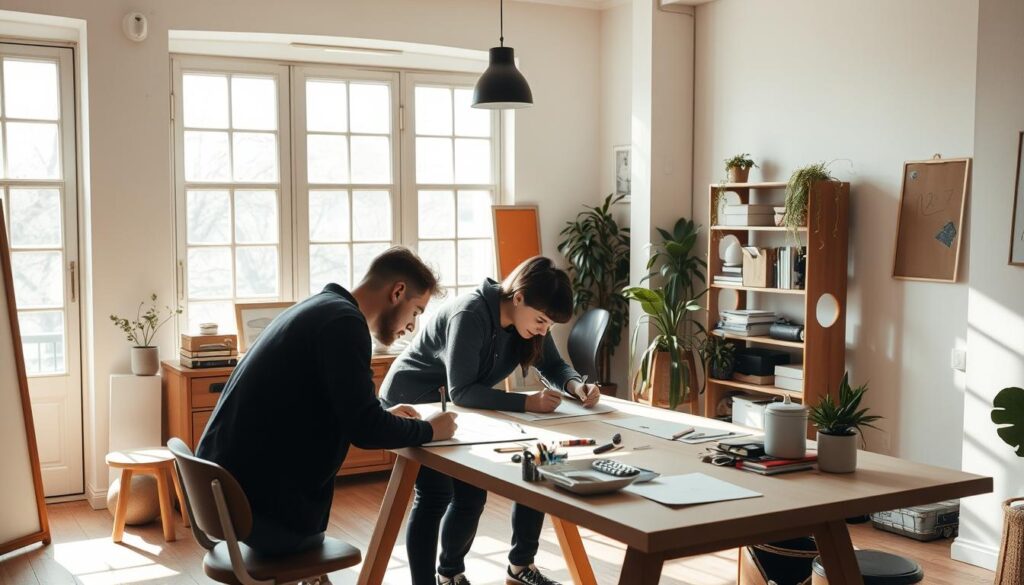
Flexible postures from sitting to standing to lounge
Include sit/stand seating plus lounge options so teams can shift from intense sketching to relaxed review. Generous tabletop space holds analog sketches, sticky notes, and quick captures to the shared canvas.
Privacy matters. An enclosed Duo Studio reduces noise and enables candid critique or private calls. Use the Surface Hub’s security features like “I’m Done” to clear prior content between sessions.
- Frame the Duo Studio as a trust-building place for two to co-create without moving rooms.
- Position an interactive display for quick theater-style reviews and easy drop-in feedback.
- Balance proximity to tech and storage with clear sightlines to avoid clutter and keep focus.
| Feature | Benefit | Outcome |
|---|---|---|
| Height-adjustable table | Sit or stand | Better posture and longer focus |
| Interactive display | Shared review | Fast decisions, inclusive calls |
| Generous surfaces | Analog + digital | Smoother handoff from sketch to screen |
Ideation Hub: High-Tech Collaboration That Engages Everyone
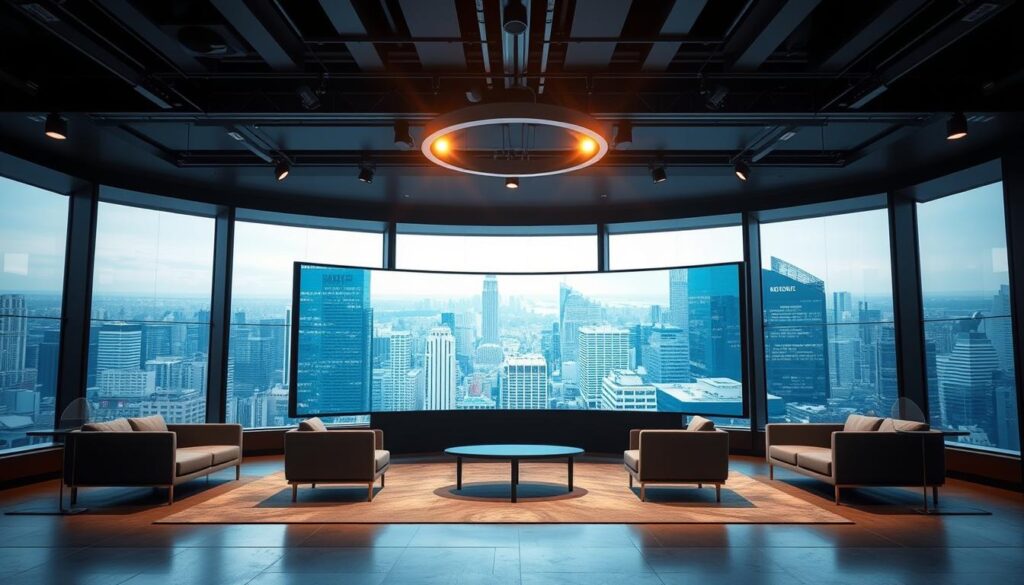
An Ideation Hub brings high‑energy collaboration into a single, tech‑forward room that invites every voice.
People join on equal footing: the Surface Hub sits enclosed for clear audio and focused remote participation via Skype for Business. Stool‑height perches encourage movement so contributors can step up, mark up content, and step back to reflect.
Scale furniture for circulation. Leave sightlines open so a presenter and the rest of the team can see screens and faces without crowding. Good acoustic control keeps remote voices distinct and reduces fatigue during long sessions.
Lighting should flatter screens and faces—minimize glare while keeping both presenters and content visible. A consistent, predictable setup speeds meeting starts and cuts time lost to cables, logins, or confused connections.
- Equal participation: layout that invites anyone to engage.
- Active posture: stool seating for quick shifts between contributing and observing.
- Reliable tech: Surface Hub integration and standard room setup for fast, smooth sessions.
Maker Commons: Socializing Ideas and Rapid Prototyping
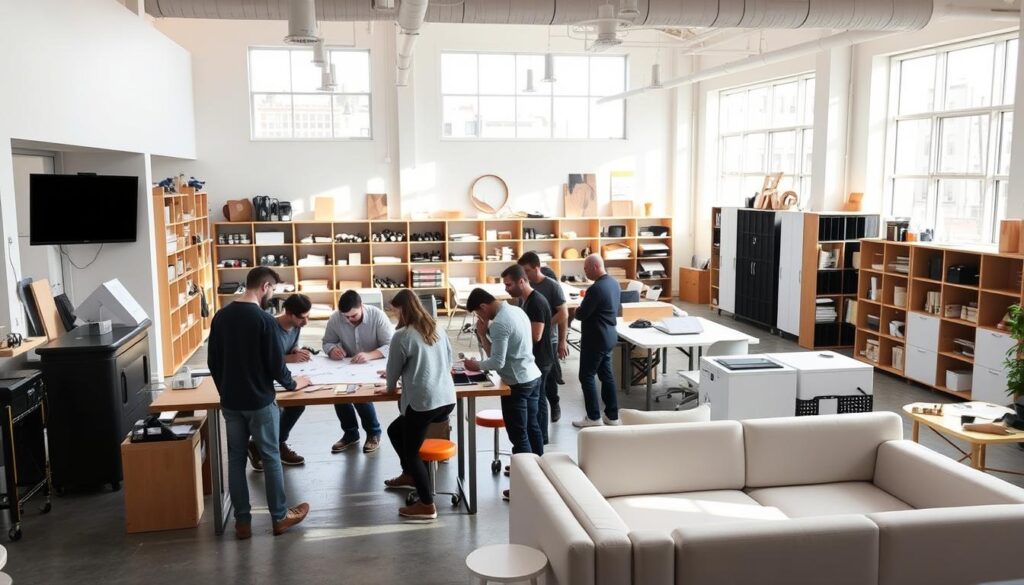
At the center of many offices, the Maker Commons gathers people, tools, and small wins into one active social zone.
This space supports quick tests, casual critique, and hands-on sampling without a lot of setup. It blends bench tables, soft seating, and high counters so users shift posture easily.
Support movement: seated, standing, lounging, and perching
Offer varied seating and perches so contributors can sit for focus, stand to build momentum, or lounge to share stories. Mobile benches and stools keep energy high and transitions fast.
Plan privacy options in open areas without killing flow
Include cocoon-like nooks and low partitions for short retreats. Add integrated lighting, power outlets, and bag storage so makers can sketch or note on a Surface Pro 4 and return quickly.
Place this area centrally to invite spontaneous collisions and keep prototypes near decision-makers. Tie it to culture by showing works-in-progress, a materials library, and recent wins to inspire participation.
| Feature | Purpose | Benefit |
|---|---|---|
| Mixed seating | Support varied postures | Longer engagement, quick shifts |
| Mobile furniture with power | Reconfigure fast | Less setup time, more testing |
| Privacy pockets | Short focused retreats | Protected sketching without isolation |
| Hidden tech capture | Record and share outcomes | Broad visibility, low friction |
Respite Room: Recharge to Spark New Ideas
A calm, enclosed Respite Room gives people a brief, protected pause that often leads to clearer thinking.
The room balances active group work with solitude so users can switch from focused tasks to gentle reflection. Adjustable LED lighting and simple controls let people set the right light level for a quick reset.
Privacy matters. Acoustic separation and visual relief reduce overload. Short, quiet breaks in this environment help the brain form new connections and boost later output.
Encourage relaxed postures with soft materials, ottomans, and supportive furniture to support diffused attention. Add modular power, charging points, and small casegoods so the room stays practical for private calls or personal admin.
- Position respite as essential — shifts in atmosphere help spark creativity and solve problems.
- Offer personal control over lighting to match individual needs between meetings.
- Set etiquette: time limits, quiet norms, and a simple booking rule to keep access fair.

| Feature | Benefit | How to implement |
|---|---|---|
| Adjustable LED lighting | Faster mental reset | Dimmer switches and presets per seat |
| Acoustic enclosure | Reduced distraction | Thicker panels, door seals, noise masking |
| Soft furniture & storage | Comfort + practicality | Ottomans, low casegoods, built-in outlets |
Creative Workspace Design Ideas You Can Implement Today
Small, low-cost updates can change how a team feels and performs in its office. Start with easy moves that make the work area more welcoming and more useful for quick collaboration.
Add plants to reduce stress and boost productivity. UK and U.S. studies link greenery and natural light to higher output and fewer sick days—expect at least a 10–15% lift when you add healthy foliage.
Hang art that reflects your culture to spark conversation and keep innovation visible. Use transportable, on-wheels elements so you can reconfigure the office in minutes.
- Create an inspiration board to store goals, sketches, and new ideas so momentum persists between meetings.
- Customize tabletops with wood or recycled materials to add tactile warmth and long-lasting appeal.
- Add unique lighting fixtures and clear window obstructions to maximize natural light for better mood and focus.
Set up a small recharge area—tea, coffee, or a quiet nook—to signal short mental breaks are allowed and useful. Consider a subtle water feature for gentle sound and calm without distraction.
Make your space transformable with modular furniture and a mounted whiteboard for persistent ideas. Keep a “fun stuff” drawer with sketch cards or small puzzles to nudge fresh thinking.
| Idea | Quick benefit | How to implement |
|---|---|---|
| Plants | Improve mood & productivity | Add low-care potted plants or a living wall near common areas |
| Mobile elements | Faster reconfiguration | Use carts, mobile whiteboards, and tables on wheels |
| Recharge corner | Short resets boost output | Compact seating, kettle, soft lighting, 5–10 minute rules |
| Inspiration board | Persistent focus on goals | Pin recent wins, sketches, and user feedback in a common spot |
Start small: pick two ideas this week and test them. Watch how simple changes shape the environment and build toward a smarter office space that supports people at home and on-site.
From Ideas to Action: Build a Workspace that Fosters Creativity
,Start by mapping how people use your office and list the top needs that block focus and collaboration.
Prioritize quick wins: better light, clear acoustics, a standing option, and furniture that matches the task. Make a simple playbook to standardize those elements across each space.
Pilot one zone at a time. Collect feedback and iterate so the workplace evolves with real habits. Add visible tools—pin-up walls and mobile boards—to keep ideas present between sessions.
Remember the layered approach: Focus Studio, Duo Studio, Ideation Hub, Maker Commons, and Respite Room each serve a purpose. Small, steady upgrades to place and process help people do their best work and spark innovation.
Pick one change this week—better light, a collaboration area, or standing options—and build from there.
Leave a Reply