
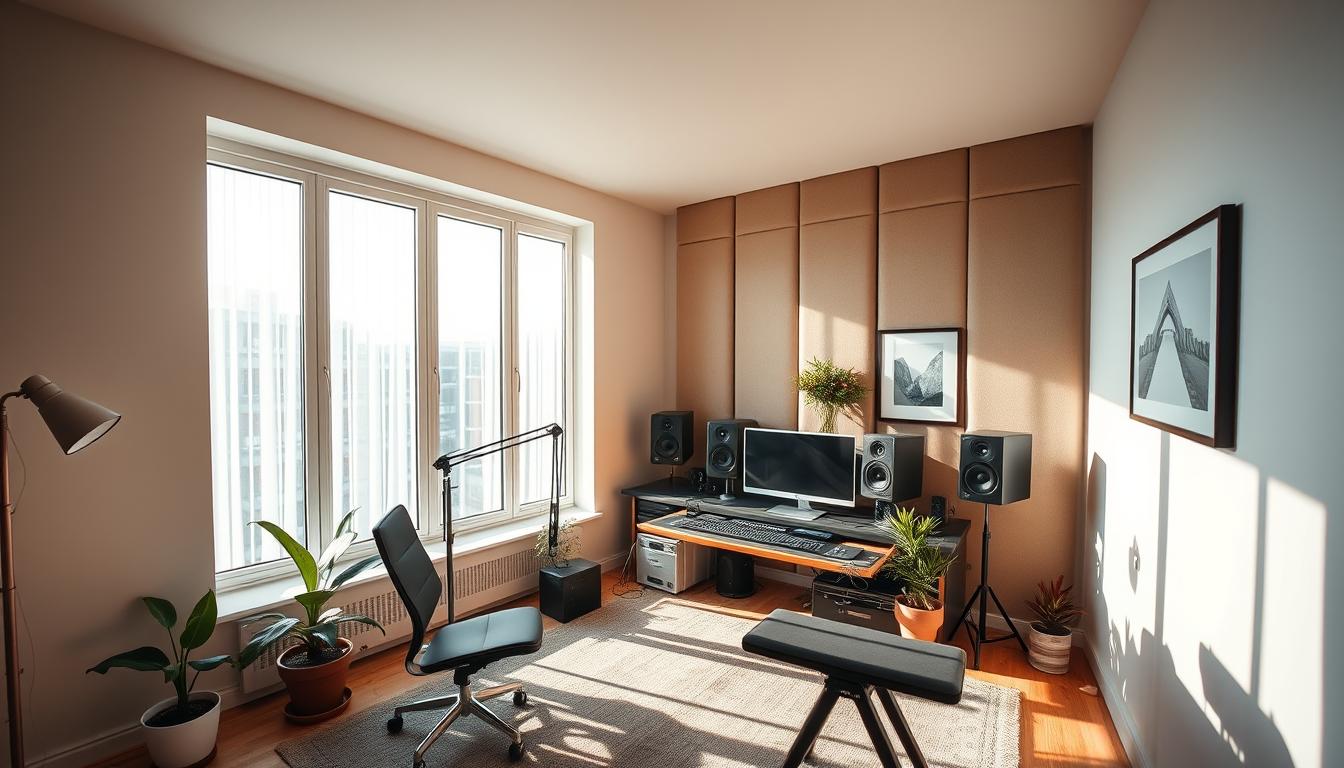
You can make award-winning tracks without a big budget. Legendary records from Billie Eilish, Bruce Springsteen, and Bon Iver prove great music comes from thoughtful choices, not just expensive rooms.
This guide shows a clear path. We’ll walk through picking the best room, nailing speaker symmetry, adding focused acoustic treatment, and choosing the right interface and monitoring so your mixes translate.
Expect practical mic tips that work in real rooms, advice on when dynamics beat condensers, and simple techniques for recording vocals without a booth. Experts like John Storyk, Benny Grotto, and Yuri Lysoivanov all stress basics: quiet environment, a couple of great mics, and good preamps.
By balancing time, money, and tools, you’ll build an efficient setup that sounds high quality and helps you get more done. This article is a step-by-step roadmap for better recording and music production at your place.
Key Takeaways
- Top albums were made in DIY setups—smart choices matter more than size.
- Start with room selection, speaker symmetry, and targeted acoustic treatment.
- One or two high-quality mics and good preamps yield big gains.
- Choose interfaces and monitoring that fit your workflow first.
- Use EQ, gating, and careful reverb to tame imperfect rooms.
- Outboard like a 500 Series rack and a reliable FET compressor add portable power.
Why a home studio now: creative freedom, comfort, and pro results
You don’t need a booking calendar to make meaningful records. Small setups have produced major albums by embracing limits and character. Billie Eilish recorded her debut in a childhood house. Springsteen’s Nebraska used tape quirks. Bon Iver left room artifacts for atmosphere.
Iconic remote recordings that prove it works
Those records show one thing: great sound can spring from honest decisions, not endless spending. Smart mic choice, placement, and focused post work turn raw takes into high quality tracks.
Understanding the informational intent: learn, plan, and build
This guide teaches you to learn core concepts, plan a practical path, and build a setup that fits your workflow and budget. Start with listener position and speaker symmetry, then pick a lean toolkit that moves with you.
- Creative freedom to capture ideas anytime
- Lean gear choices that travel for overdubs
- Post-production fixes that elevate imperfect rooms
| Example | Lesson | Takeaway |
|---|---|---|
| Billie Eilish | Home recording captures intimacy | Prioritize mood over gadgets |
| Springsteen | Tape and limits create character | Use constraints to your advantage |
| Bon Iver | Room artifacts become atmosphere | Treat, don’t erase, every sound |
Start with your space: choosing the right room before any gear
Pick the room first. Dimensions and shape dictate bass behavior and early reflections long before you touch an interface or mic. Choosing well saves time and money while improving final sound quality.
Avoid low ceilings and square rooms. Low ceilings make reflections arrive fast and muddy mixes. Square rooms create pronounced nulls and peaks that hide detail and mislead your ears.
Decide if this will be a mix-only room or a tracking room. Mix-only spaces focus on speaker placement and panels. Tracking rooms need more isolation and layout options for amps, drums, and people.
Practical noise matters. HVAC, fridges, traffic, and neighbors all add fuss. Make a habit: turn noisy devices off, seal doors, and use quiet racks. Storyk recommends quiet HVAC or pausing AC during takes.
Soft furnishings and targeted panels cut flutter and ringing. Place the desk and speakers on the short wall so more room length sits behind you. This helps low end develop and gives a more even listening field.

Quick checklist and choices
- Pick a room first — shape and size matter most.
- Avoid low ceilings; steer clear of square plans where possible.
- Set quiet hours and a noise checklist (AC off, doors sealed, fans clear).
- Use panels and ceiling absorption if the room is challenging.
| Room Type | Best Use | Key Treatment | Practical Tip |
|---|---|---|---|
| Mix-only room | Accurate monitoring and mixing | First-reflection panels, bass traps | Desk on short wall; speakers at ear height |
| Tracking room | Recording multiple sources | Isolation racks, movable panels, ceiling absorption | Choose basements/garages for size; plan layout |
| Challenging room | Budget or shared spaces | Extra corner treatment, ceiling panels | Use quiet hours and signage to reduce interruptions |
Room orientation and symmetry for accurate monitoring
Small shifts in where you sit and point your monitors will change how mixes translate. John Storyk warns against placing the listener at the exact room center. That position often lands you in bass nulls and false low-end impressions.
Set your listening position slightly forward of center so the back wall sits farther behind you. This evens low-frequency response and gives more reliable bass when mixing and recording.
Storyk’s guidance on listener position and speaker symmetry
Keep speakers symmetrical relative to side walls. Match distance to each wall and toe them in so stereo imaging locks. Aim for an equilateral triangle between your head and the two monitors and level-match the speakers to stabilize the phantom center.
- Find first-reflection points with the mirror trick; place panels there to stop smear.
- Keep the desk surface low and matte—large glossy consoles cause comb filtering.
- If the room forces asymmetry, add tailored absorption and small delay compensation if your monitor controller allows it.
- Re-check alignment after moving furniture or panels; orientation is often the best free upgrade.
| Focus | Action | Why it matters |
|---|---|---|
| Listening position | Slightly forward of center | Reduces bass nulls; steadier low end |
| Speaker symmetry | Equal distance to side walls; matched toe-in | Improves imaging and translation |
| First reflections | Mirror trick + absorption on walls/ceiling | Prevents early reflection smear |
| Surface control | Low, non-reflective desk between ears and speakers | Avoids comb filtering and false highs |
Targeted acoustic treatment that actually moves the needle
Small fixes in the right spots often have bigger impact than full-room overhauls. Focused acoustic treatment gives clearer imagery and truer low end without gutting the space.
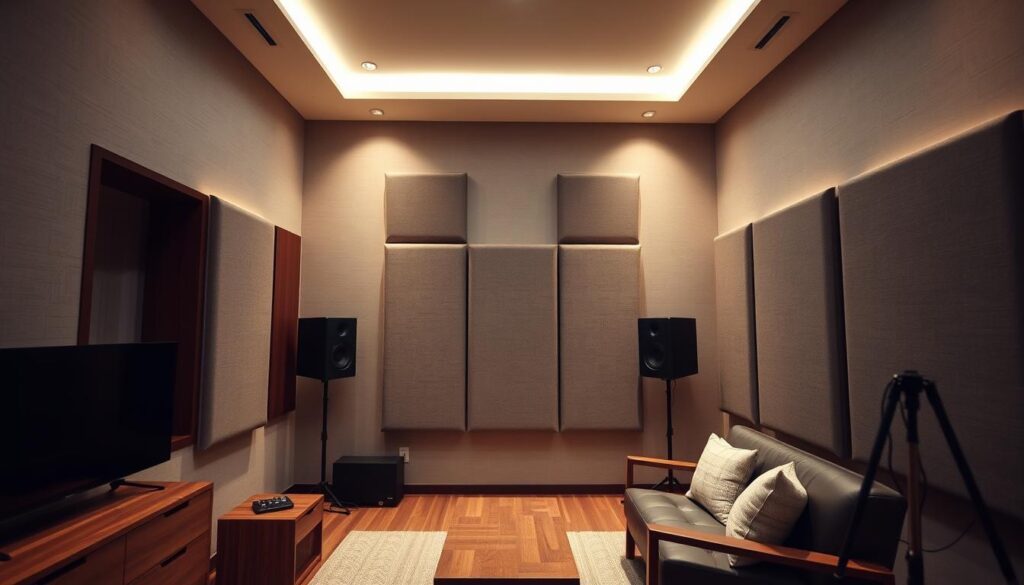
First reflection points matter because early bounces blur stereo image and hide detail. Treat the side walls at ear height and add an overhead panel where the ceiling bounce hits your listening position. Use the mirror trick to find exact spots and mount panels slightly off the wall for improved absorption.
Managing low end and corners
Low frequencies build where surfaces meet. Add thick broadband absorbers or tube traps in corners to cut bass peaks.
DIY vs premade options
DIY frames stuffed with rockwool and wrapped in breathable fabric are cost-effective and work well. For quick fixes, hang packing blankets behind vocalists or at reflection points to reduce mid/high flutter.
- Consider premade options like GIK when you want predictable performance.
- Balance absorption with some diffusion so the room keeps natural life.
- After installation, run clap tests and reference tracks, then tweak panel placement.
| Problem | Solution | Quick result |
|---|---|---|
| Early reflections | Side and ceiling panels at ear height | Cleaner imaging |
| Bass buildup | Corner broadband traps | Tighter low end |
| Budget limits | DIY rockwool panels or packing blankets | Immediate reduction in flutter |
Budget planning: where to spend and where to save
The right small buys speed progress more than endless browsing. Start with a needs-first checklist and buy only what supports your workflow today. Track what you spend and stage upgrades that give the biggest return in sound and productivity.
Smart upgrades that unlock high quality sound
Spend on room treatment, accurate monitors, and one or two dependable microphones first. Those items change mixes immediately and protect your time during sessions.
Avoiding Gear Acquisition Syndrome while staying future-ready
Set a quarterly budget and a growth plan tied to real projects. Use DIY broadband panels and packing blankets to save money while you learn the room. Later, swap in premade solutions if needed.
“Invest where it matters most: capture first, embellish later.”
- Pick an interface with ADAT and leave rack space for expansion.
- Choose a stable computer — custom PCs can run under $1,000; Macs often sit $1,300–$2,000.
- Use stock plugins until a repeat need justifies a purchase.
| Spend | Save | Why |
|---|---|---|
| Monitoring & treatment | Outboard impulse buys | Tighter mixes, better translation |
| Interface & computer | Multiple small gadgets | Protects time and captures clean audio |
| One good mic | Impulse microphones | Reliable tone beats many toys |
Computers and storage for music production that won’t choke
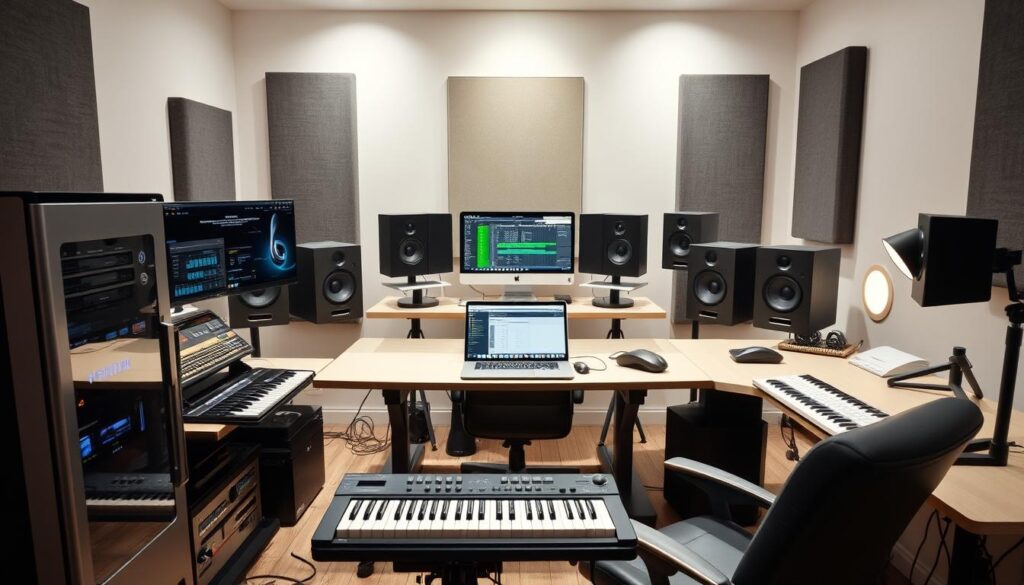
Choose a machine that keeps your sessions running and your ideas flowing. A responsive system saves time and keeps creativity moving during recording and mixing.
Recommended CPU, RAM, and SSD/HDD strategies
Pick a 64-bit OS and a multi-core CPU so the DAW and plugins handle many tracks and virtual instruments without freezes. Start with at least 8GB RAM; upgrade to 16–32GB for large sample libraries.
Run your OS and software from an SSD (128–256GB). Store sessions, samples, and archives on 1TB+ HDDs to balance speed and cost. Keep files organized by project to speed backups and reduce search time.
Mac, custom PC, or laptop: portability vs. power
Macs often cost $1,300–$2,000 and pair well with Logic. A custom PC can be built under $1,000 for strong price-to-performance. Laptops give portability for live use but may trade raw power.
- Quiet cases and low-noise fans prevent bleed when tracking.
- Integrated graphics are fine; dedicated GPUs are optional unless you edit video.
- Use reliable USB/Thunderbolt ports and automated external backups.
“Choose stability over bells — consistent performance protects your sessions.”
| Item | Minimum | Recommended |
|---|---|---|
| CPU | Quad-core | 6–8 cores |
| RAM | 8GB | 16–32GB |
| Storage | SSD 128–256GB + HDD 1TB+ | SSD OS + fast NVMe, multiple HDDs |
Audio interface choices: clean conversion, enough I/O, and expandability
Choose an interface that captures clean sound and grows with your workflow.
An audio interface bridges your mics, instruments, and DAW. Match channel count to how many sources you record at once. One or two inputs cover a singer-guitarist; drums or full bands need more channels or a plan to expand.
Look for clean conversion and solid onboard preamps so captures are quiet and accurate before any processing. Budget units like the EVO 4 or the Audient iD14 punch above their price and give reliable tone for a first build.
Inputs, outputs, and ADAT expansion for growing setups
Plan for growth: choose an interface with ADAT so you can add external preamps or converters later. That way you expand channels without replacing your core unit.
- Match inputs to current needs — start with one two channels, then scale via ADAT.
- Prefer at least two line outputs for a monitor pair; four-plus outputs help with A/B checks and outboard routing.
- Check headphone amp power, low-latency drivers, and physical controls (phantom, pad, high-Z) for fast sessions.
| Feature | Why it matters | Practical pick |
|---|---|---|
| Clean conversion | Preserves detail and reduces noise | Audient iD14 |
| ADAT expansion | Add mic channels later without swapping core | Interfaces with ADAT input |
| Outputs & headphone amp | Multiple monitor pairs and reliable tracking | EVO 4 for budget; mid-tier options for more I/O |
Studio monitors and headphones: translating your mix everywhere
Picking the right playback gear changes how quickly your mixes translate to other systems.
Driver sizes for small and medium rooms
For compact rooms around 8′ x 10′, 5–6″ monitors usually give the most useful bass control.
Larger rooms (about 12′ x 15′) benefit from 6.5–8″ drivers if you pair them with proper panels and corner treatment.
Bigger drivers reach lower, but in untreated rooms they can exaggerate boom and hide problems.
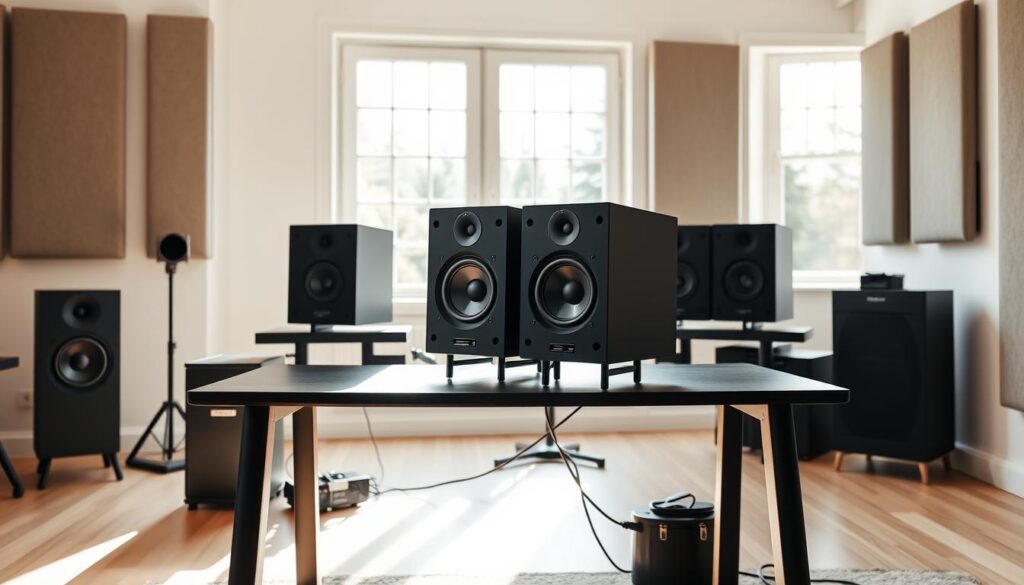
Aim for flat-response monitors so mixes move cleanly to cars, earbuds, and TVs.
Set monitors symmetrically, form an equilateral triangle with your listening spot, and place tweeters at ear height.
Use headphones as a secondary reference for late-night edits and detailed checks.
- Calibrate listening levels and mark positions so the setup stays consistent over time.
- Avoid heavy sub use in small untreated rooms; it can mask room problems.
- Check mixes on multiple systems and keep a short list of reference tracks.
| Room Size | Driver Recommendation | Quick Tip |
|---|---|---|
| 8′ x 10′ | 5–6″ monitors | Less low-end bloom; easier to control |
| 12′ x 15′ | 6.5–8″ monitors | Use corner traps and panels |
| Untreated small room | Compact nearfields | Rely on headphones and reference checks |
Pick your DAW and plugins: workflow first, features second
Your DAW should disappear while you work—speed matters more than features. Choose software that matches how you create so sessions stay focused and fast.
Start small and scale. Free options like Audacity or GarageBand let beginners record and learn basics. Many interfaces bundle Lite versions of Ableton or Cubase for quick onboarding.
Reaper is a full DAW for about $60 and rewards users who value customization. Logic Pro, FL Studio, Ableton Live, and Cubase sit in the $200–$500 range. Pro Tools is the pricier subscription choice for larger facilities.
Stock tools that actually work
Stock EQs and compressors are transparent and fast for hunting resonances. Use gates for quiet sections, then move to iZotope RX when you need spectral repair for messy recordings.
Prefer adding tasteful digital reverb over keeping a poor-sounding room in a mix. Build a small plugin toolkit around EQ, compression, saturation, delay, and reverb before buying boutique options.
- Pick a DAW that fits your budget and way of working.
- Keep sessions portable: consolidate files and bounce stems.
- Evaluate plugins by repeat use — if they don’t help, skip them.
| Tier | Example | Best for | Why it helps |
|---|---|---|---|
| Free / Lite | Audacity, GarageBand, Lite | Beginners | Fast start, low cost |
| Affordable | Reaper | Power users on a budget | Full features, low price |
| Pro | Logic, Ableton, Cubase | Advanced music production | Workflow depth and integrated tools |
“Choose tools that let you finish tracks, not tools that distract you.”
Microphones that work in real rooms
Choose microphones that give reliable results in real rooms, not just on spec sheets.
Dynamic mics are forgiving. They pick up less room and resist loud sources, so use them for close vocals, guitar cabs, and noisy spaces. Classic workhorses like the Shure SM57 and SM58 handle abuse and still sound good.
Condenser mics add detail. Large-diaphragm condenser mics shine when the room is treated and you want air on vocals or acoustic instruments. They reveal more nuance, but also more room.
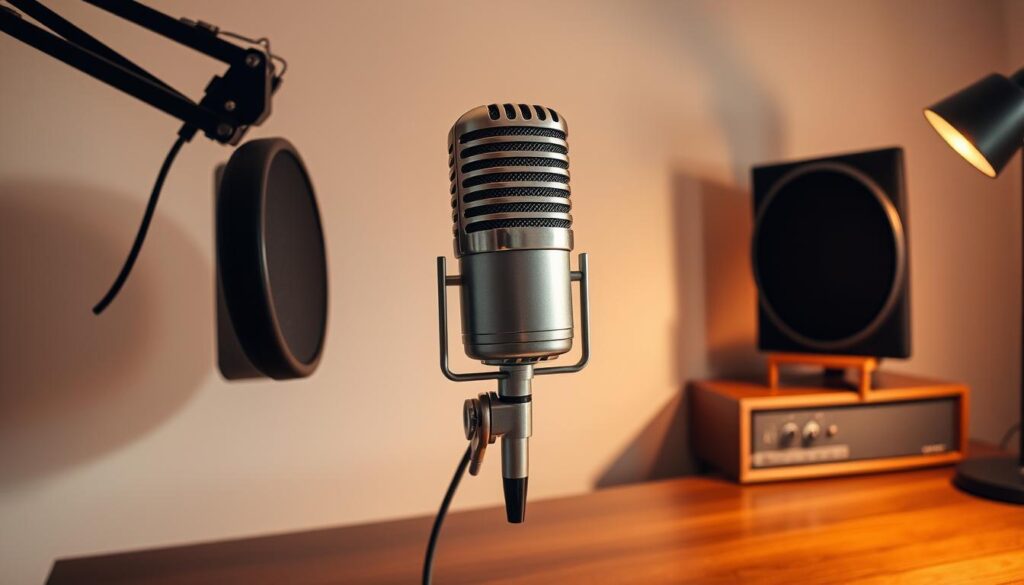
Workhorse dynamics, LDC vocal heroes, and SDC stereo pairs
Build a core locker: one reliable dynamic, a quality large-diaphragm condenser, and a small-diaphragm stereo pair. Examples: SM57/SM58 for dynamics, Lawson/Heiserman/Peluso for LDCs, and Miktek C5 or Rode TF-5 for SDC stereo work.
- Use pads and high-pass filters on preamps to tame proximity and low rumble.
- Pair mics with clean preamp gain to keep noise low when stacking tracks.
- Test distance and angle, then document settings for repeatable results.
- Keep clips, shock mounts, windscreens, and spare cables ready for quick sessions.
| Purpose | Recommended Mic | Why it helps |
|---|---|---|
| Close vocals & amps | Shure SM57 / SM58 | High rejection, durable, consistent |
| Lead vocals & detail | Lawson / Heiserman / Peluso LDCs | Warm, airy, professional tonal quality |
| Acoustic & overheads | Miktek C5 / Rode TF-5 (stereo pair) | Accurate transients; great stereo image |
Think long-term. Invest in reliable gear that keeps value and document preferred preamp settings so you save setup time and get consistent sound across sessions.
Microphone placement and polar patterns to tame your room
Small changes in orientation and distance can cut room problems more than new gear. Most mics used in small setups are cardioid and reject sound from the rear. Point that null toward the worst boundary or noisy gear to reduce unwanted reflections.
Keep a fist’s distance between mouth and microphone to control proximity effect. Move closer for warmth, back off for clarity. Angle the mic slightly off-axis or use a pop filter to soften sibilance and plosives without losing presence.
- Aim the rear of the mic at reflective walls or loud equipment to cut room tone.
- For acoustic guitar, sweep from the 12th fret toward the bridge at 6–12 inches to balance body and sparkle.
- Combine a dynamic close and a condenser set farther back for a one two capture that blends intimacy and detail.
- Use gobos or blankets behind performers and mark exact positions for consistent takes.
- Set clean gain at the preamp so room noise doesn’t creep into the recording.
Track consistently: document angles and distance so tones stay repeatable across time and sessions.
Recording vocals at home without a booth
A clear vocal capture relies on room selection and mic technique more than an expensive booth. Small boxes like closets and bathrooms often make voices sound boxy because parallel walls create strong standing waves.
Big rooms beat closets and bathrooms. Choose a larger room with soft furnishings so low end stays smoother and reflections are less harsh. Place thick panels or blankets behind the singer and at first-reflection points to let the voice sit forward in the mix.

Pop filters, the “fist rule,” and cleaner takes
Use a pop filter and keep at least a fist’s distance between mouth and mic to control proximity effect and plosives. Angle the microphone a few degrees off-axis to soften harsh consonants while keeping presence.
If the room still bothers you, record a bit closer to capture more direct sound, then add tasteful digital reverb later to create a controlled space. Keep headphone levels moderate to reduce bleed; closed-back cans and a strong cue mix help performers stay consistent.
- Skip closets and bathrooms when possible — they emphasize standing waves and narrow the sound.
- Track multiple takes and comp for emotion and phrasing before polishing.
- Record a short room tone at the end for easier noise profiling in post.
- Document mic, preamp, distance, and any panels used so you can repeat successful setups.
| Problem | Quick fix | Why it helps |
|---|---|---|
| Boxy sound | Bigger room + blankets behind singer | Reduces standing waves and harsh reflections |
| Plosives | Pop filter + fist’s distance | Protects clarity without killing energy |
| Bleed | Lower headphone level, closed-back cans | Cleaner takes, fewer edits |
Outboard, 500 Series, and essential accessories
Portable racks and a few choice processors lift raw takes into pro-grade results fast. A compact 500 Series frame like an API Lunchbox gives slots for mic amps and dynamics so you can move quality preamp channels between rooms without packing a full rack.
Portable high quality: preamps and FET compression
Use a clean preamp for accuracy or a colored preamp for character. Keep one channel that’s transparent and another that adds warmth for vocals, guitars, or bass DIs.
For dynamics, reach for fast FET compression like an 1176-style unit. Affordable options such as the AudioScape 76D tame peaks on drums, bass, and vocals while keeping punch.
Stands, cables, pop filters, and headphone amps
Rugged mic stands, shock mounts, and pop filters save takes and prevent damage. Stock XLR and TRS cables in varied lengths and label them to avoid hums and lost time.
- Add a headphone amp for multi-performer mixes and quieter cue sends.
- Choose larger 500 Series frames if you plan to expand; they future-proof sessions.
- Keep a small patchbay and a basic toolkit—gaffer tape, cable ties, and spare fuses—so minor problems don’t stop recording.
| Item | Benefit | Quick tip |
|---|---|---|
| 500 Series rack | Portability + modular preamps | Start compact; upgrade frame later |
| FET compressor | Fast peak control | Use on drums, bass, vocals |
| Headphone amp & cables | Reliable monitoring for people | Label and store neatly |
Post-production power-ups: make imperfect rooms sound better
Great mixes often come after tracking. When a take has vibe but the room added problems, post work is the fastest path to a usable result. Use clear methods that preserve performance while cleaning unwanted color.
EQ to hunt resonances and standing waves. Sweep a narrow boost to find the ringing frequency—some rooms show buildup near 230 Hz. Once found, apply a gentle notch. Learn each instrument’s problem zones so you act fast and keep the take natural.
Noise gating versus spectral repair tools
Use noise gates for simple pauses and floor noise. Set attack and release so transients stay intact. For complex clicks, hum, or overlapping noise, escalate to spectral repair software like iZotope RX. It removes artifacts without heavy tonal loss.
Add the right reverb instead of keeping a bad room
Record relatively dry, then place a digital room or plate in the daw that matches genre and tempo. Short plates and tight early reflections keep vocals present without washing detail. Use parallel chains for subtle saturation or compression to add density while keeping dynamics.
- Sweep and notch resonances; avoid wide cuts that hollow tracks.
- Prefer tight edits and crossfades over extreme processing when possible.
- Reference on multiple systems to ensure fixes translate and preserve quality.
- Save EQ and repair presets for recurring room issues so you sound better faster next time.
home studio workflow tips from working pros
A tight workflow helps you capture moments without wasting energy on setup. Pros like Benny Grotto favor compact, transportable rigs for quick overdubs. John Storyk points out that a small consulting session can beat expensive plugin shopping when it fixes layout and treatment.
Capture fast and stay portable. Build a ready-to-record template with routing, click settings, and favorite plugins so ideas land as tracked takes. Pack a minimal travel rig — interface, two mics, and headphones — for reliable overdubs in rehearsals or living rooms.
Keep sessions tidy and repeatable
- Consolidate audio, use consistent naming, and export stems before sharing.
- Label cables and inputs to cut setup time and avoid mistakes.
- Schedule backups and version files so you can roll back edits fast.
- Track mic positions, preamp settings, and templates for repeatable results.
Ask for help when it pays off
“A $500 consult that fixes acoustics or layout often saves weeks of wasted time.”
| Task | Quick win | Why it helps |
|---|---|---|
| Templates | Ready routing & plugins | Capture instantly |
| Portable rig | Interface + mics | Track anywhere |
| Consult | Short layout audit | Saves time & money |
From first take to final mix: your path to a professional studio sound
From first take to final mix, treat the room, lock your monitoring, and keep the signal path simple so every recording reads clearly in the DAW and beyond.
Use learned fundamentals: symmetry and first-reflection control, cardioid mic placement, distance rules, and focused acoustic treatment. Invest in a reliable computer, clean conversion, one-two dependable mics, and portable outboard like a good preamp and FET compression to add musical dynamics fast.
Lean on EQ to remove room resonances, gates for quick cleanup, and spectral repair when needed. Add tasteful reverb, save templates, and back up sessions. Follow this path and your small setup will deliver professional studio sound with consistent, high quality results every time.
Leave a Reply