
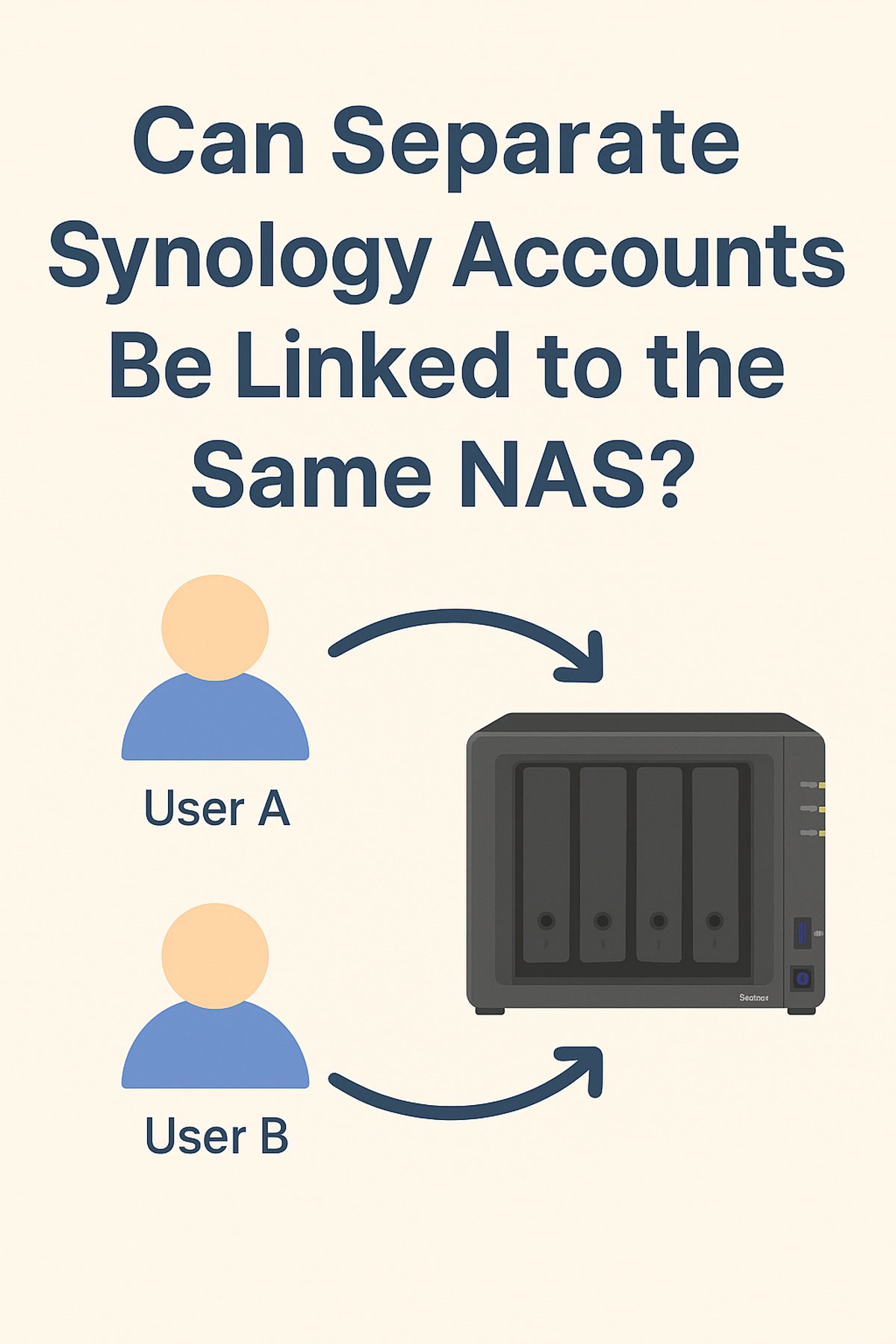
When setting up a Synology NAS, many people wonder if it’s possible to have multiple accounts — for family members, coworkers, or different services — all linked to the same device. The answer is yes. Synology DSM (DiskStation Manager) is designed to support multiple users, each with their own login credentials, permissions, and storage access.
Why Multiple Accounts Make Sense
- Security: Instead of sharing the admin password, each person gets their own username and password.
- Access Control: You can decide exactly which folders and apps a user can access.
- Personalization: Each user can set up their own Synology Drive, Photos, or Cloud Sync preferences.
- Accountability: DSM keeps logs of user activity, so you can see who accessed or modified files.
How to Create Separate Accounts in DSM
- Log in to DSM with an administrator account.
- Go to Control Panel → User & Group → User.
- Click Create and fill in:
- Username and password
- Group membership (e.g., users, administrators, or a custom group)
- Folder permissions (read, write, deny)
- Optional storage quotas
- Save changes.
Each new account will now be able to log in to the same NAS, but with only the access you’ve allowed.
Example Use Cases
- Home Setup: Parents and kids each have their own logins. Kids can access
Mediabut notWork Documents. - Small Business: Employees can collaborate on shared folders while management keeps financial records private.
- Services and Apps: You can create a dedicated account just for Home Assistant backups, Plex, or surveillance footage.
Things to Keep in Mind
- Some apps (like Synology Drive) require each user to log in with their own account.
- Windows and macOS can sometimes get confused if you connect to the same NAS with different accounts — clear cached credentials if login errors appear.
- Best practice: don’t use the admin account for daily access; keep it only for management tasks.
Final Thoughts
Yes, separate Synology accounts can be linked to the same NAS, and it’s the recommended way to manage access. By setting up multiple users, you make your NAS more secure, flexible, and organized.
📌 Pro Tip: Create groups (like Family, Employees, Services) and assign permissions to the group instead of individuals — it makes managing multiple accounts much easier.
Leave a Reply